

Local computer help on Lighthouse Avenue
Computer repair
in Monterey, made clear.
When your computer or device is giving you trouble, talk directly with our local father-and-son team. We’ll diagnose the problem, explain the options clearly, and help you decide what makes sense.
What we repair
Help for the technology
you depend on.
From a slow computer to lost files or a device that will not start, begin with a diagnostic evaluation. We’ll explain what we find and help you decide what makes sense to do next.
PC, Mac & laptop repair
Diagnosis for computers that will not start, run slowly, freeze, crash, overheat, or behave unpredictably.
Service details →Virus & malware removal
Diagnosis and removal of viruses, spyware, and malware, followed by cleanup and verification.
Service details →Hard drive data recovery
Assessment and attempted recovery of documents, photos, and other files from a failing drive.
Service details →Computer & device setup
New-computer setup, data transfer, Wi-Fi, printers, peripherals, updates, and software cleanup.
Service details →Windows 11 upgrades
Compatibility checks, upgrade guidance, installation, and hardware options for eligible PCs.
Service details →Video game device repair
Troubleshooting, cleaning, and selected repairs for Nintendo, PlayStation, and Xbox devices.
Service details →A straightforward start
Tell us the problem.
We’ll help find the answer.
Computer trouble is stressful enough. Call us first to discuss the symptoms, evaluation pricing, and whether an in-shop visit or house call by appointment is the better fit.
Talk with us first →- 01
Tell us what happened
Describe the symptoms and have the make and model ready if possible.
- 02
We diagnose the issue
We troubleshoot the problem and identify the practical repair, recovery, or setup options.
- 03
Choose the next step
We explain what we found so you can decide whether to move forward with service.
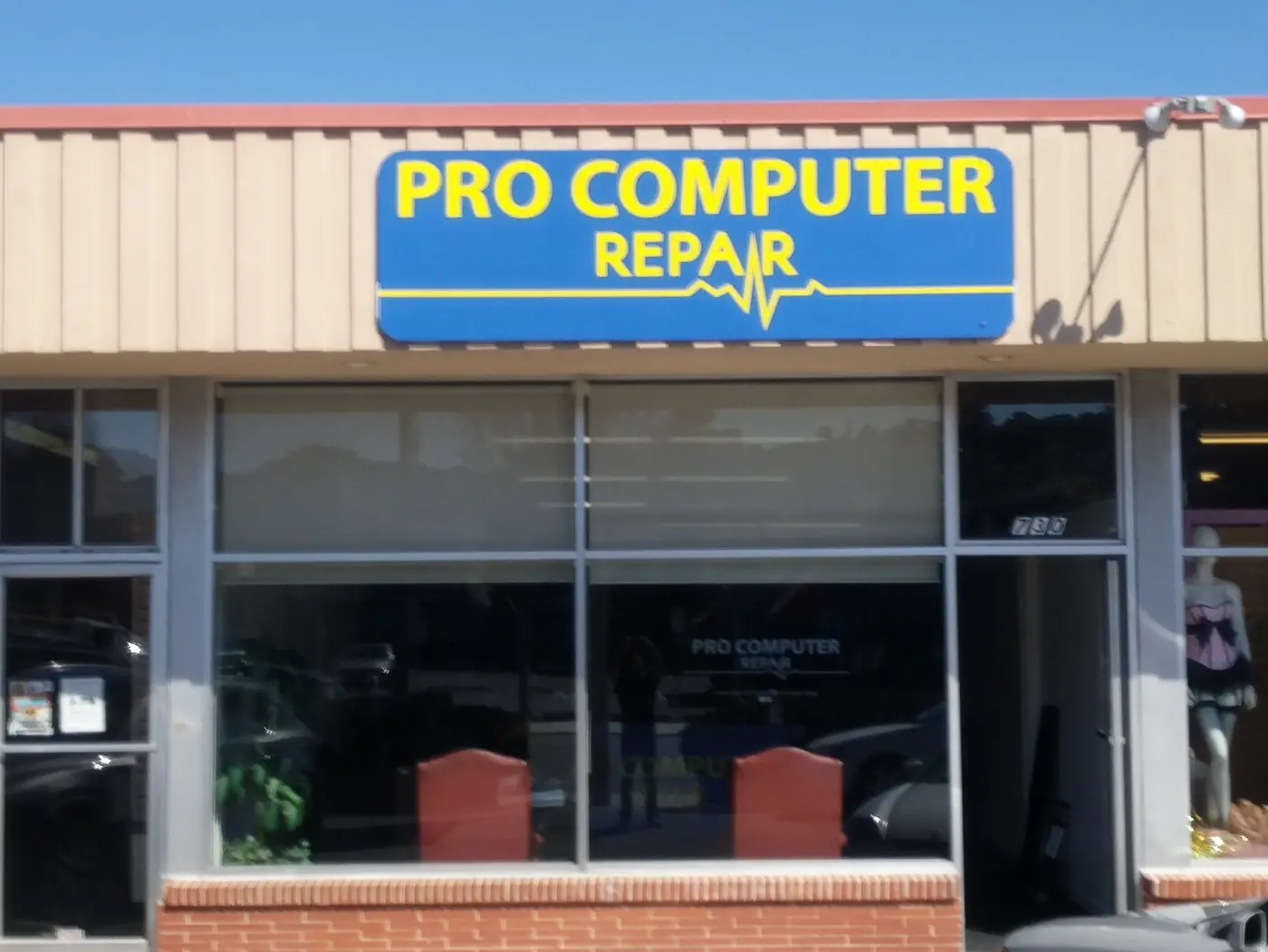 Monterey Lighthouse Avenue shop
Local ownership
A neighborhood shop,
owned by father and son.
Pro Computer Repair is a father-and-son owned and operated business serving customers from a real storefront in Monterey’s Lighthouse District.
That family ownership means personal service: you can bring the problem to a local shop, speak with the people doing the work, and get help deciding what to do with your technology.
Lighthouse Avenue
Current PC support
Still using Windows 10?
Microsoft support for Windows 10 ended on October 14, 2025. We can check whether your PC is eligible for Windows 11, discuss possible hardware changes, or help transfer your files to a supported computer.
Ask about your Windows PC →
Call, stop by, or schedule a house call
Start with a clear
diagnosis.
Call us to describe the problem and ask about evaluation pricing. No appointment is required to stop by, though calling ahead helps us prepare. House calls are available by appointment.
Hours
Monday–Friday: 10 AM–6 PM
Saturday & Sunday: Closed
Helpful details to have ready
- Computer or device brand
- Model or series number
- What happened and any error message
- Whether you need a house call appointment
- Whether important files may be at risk
Common questions
Before we get
started.
Not sure whether your problem is something we handle? Call with the make, model, and symptoms. You’ll speak with a local member of our father-and-son team.
Do you work on both Windows PCs and Macs?
Yes. We troubleshoot and repair Windows and Mac computers, including desktops and laptops. Call first with the model and problem so we can confirm the appropriate next step.
Do you make house calls?
Yes. House calls are available by appointment. Call or use the contact form to describe the device, the problem, and where service is needed so we can confirm availability.
Do I need an appointment?
No appointment is required to bring in your device. Calling ahead can help ensure we are prepared to help when you arrive. House calls do require an appointment.
How does the evaluation work?
Diagnostic evaluations are a paid service. The evaluation helps identify the likely problem and available options before repair work begins. Call first for current pricing and drop-off details.
Can you move files to a new computer?
Yes. Computer setup can include transferring accessible documents, photos, and other files from an old machine, along with updates and compatible device setup.
What should I do if a hard drive is failing?
Stop using it if the files are important. Repeated starts or writes can make recovery harder. Call and describe the symptoms before bringing it in.